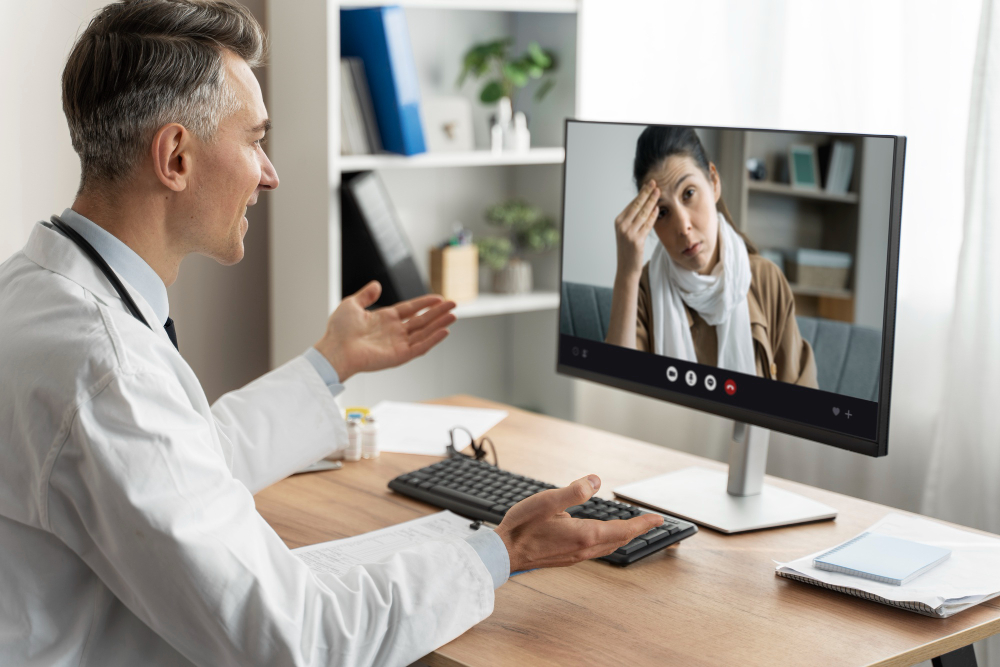
When you search for a telemedicine doctor in Haltom City, finding an appointment is only the first step. The next is making sure the visit suits your concern and that you can explain what you need without spending the call troubleshooting your device.
Summit Health Family & Urgent Care offers telehealth appointments for eligible concerns. A little preparation can help you use the appointment well, whether you are discussing a follow-up question or asking about a non-emergency symptom.
First, Confirm That Video Is the Right Format
Tell the office why you want the visit when you book. Ask whether your concern can start with telehealth, whether new-patient appointments are available, and what happens if the provider recommends an examination or testing afterward. Describe your actual situation rather than choosing a visit type based only on convenience.
Summit's telehealth information explains that some concerns need an in-person examination or diagnostic tests. A virtual appointment can lead to an office visit; that is part of finding an appropriate next step, not necessarily a failed consultation. For a medical emergency such as chest pain, severe trouble breathing, or stroke symptoms, call 911 instead of waiting for a video appointment.
The Day Before: Check the Connection Instructions
The HHS patient preparation guide recommends checking appointment details, testing your device, and choosing a quiet, private place. Confirm how the invitation will arrive and whether forms or software are required. Charge the device and test the camera, microphone, and sound.
Keep the clinic's contact number nearby in case you cannot connect. If a family member will help with technology, arrange that before the appointment begins and decide whether you want them to stay during the discussion.
Prepare a Short Health Summary
A concise note is often easier to use than trying to remember everything while looking at a screen. Organize it around your main concern:
- What changed? Describe the symptom or question in your own words.
- When did it start? Note the timing and whether it has improved or worsened.
- What have you tried? List treatments or products and what happened afterward.
- What do you need clarified? Put the most important question first.
Have your medication list, allergies, and relevant results within reach. Include home measurements only if you already have them or the team requested them. If you could not obtain a reading, say so rather than estimating. Do not buy equipment just for the call without asking what is needed.
A Few Minutes Before: Set Up the Space
Use a stable surface for the device, light your face clearly, and close distracting applications. Join early enough to resolve a connection problem. Do not participate while driving. If you need language assistance or accessibility support, ask the office in advance about the options.
Keep a pen or note-taking method nearby. If there is a form, photograph, or report to share, ask which secure channel the office uses. Avoid assuming that showing a small document to the camera will make every detail readable.
During the Visit: Make the Next Step Specific
Start with the question you most need answered. If audio drops out, ask the provider to repeat the missing part rather than trying to infer the recommendation. Before ending, explain the plan back in your own words and ask whether you understood correctly.
- Do I need an office visit, test, or another appointment?
- Where will I find the written instructions?
- If medication is recommended, which pharmacy will receive it?
- Which changes should prompt an earlier call?
- Who should I contact if the concern continues?
A video visit can be one part of primary care, especially when your records and follow-up remain connected. Read about the benefits of an ongoing primary care relationship for more on organizing care over time.
Frequently Asked Questions
Will I Definitely Receive a Prescription?
No. The recommendation depends on the evaluation, clinical appropriateness, and applicable requirements. Ask about the plan rather than booking with an expectation of a specific medicine.
Is Telehealth Covered by My Insurance?
Confirm your plan's coverage and potential charges before booking. A virtual format does not automatically mean the visit is free.
Arrange a Virtual Visit With Summit Health
For telemedicine in Haltom City, contact Summit Health and describe the reason for your appointment. Ask about eligibility and connection instructions so you can arrive prepared for the conversation.



.png)

.png)